
Apple sends Lock Screen spyware warnings to iPhone users in 110 countries
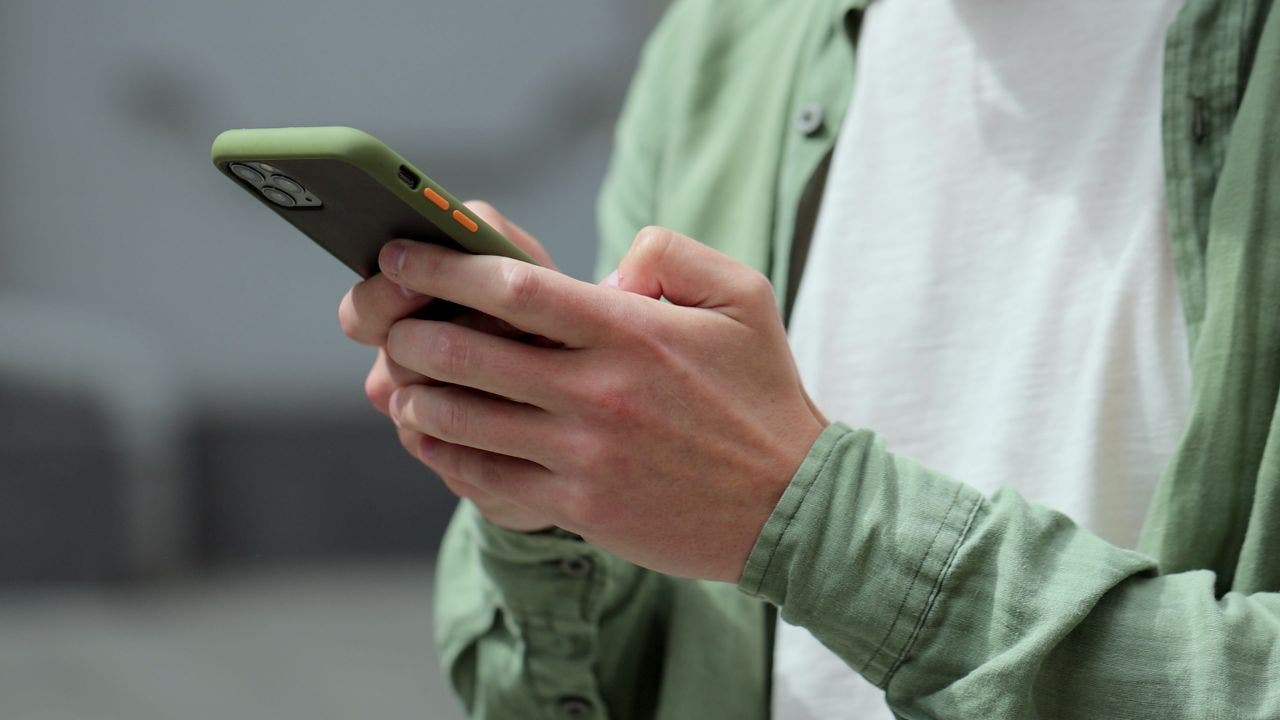
Apple confirmed to Fox News CyberGuy that threat notifications went out Aug. 13 to targeted users in 110 countries, with alerts now appearing on the Lock Screen. The company says the notices mean sophisticated spyware targeting, not automatic proof of a successful hack.
Apple is putting mercenary spyware warnings where they are hard to miss: on the iPhone Lock Screen.
Apple confirmed to Fox News CyberGuy Kurt Knutsson that threat notifications were sent Aug. 13 to targeted users in 110 countries. To date the company has notified users in more than 150 countries. Alerts can also appear in Settings, by email to Apple Account addresses, and after signing in at Apple's account website.
The Lock Screen message says Apple detected a mercenary spyware attack targeted at your iPhone and that there are actions you can take now. Apple says these attacks are far more sophisticated and expensive than ordinary malware, and historically have aimed at journalists, activists, politicians, and diplomats. Receiving a warning means Apple saw signs you were individually targeted. It does not automatically mean spyware successfully broke in.
Apple does not name a specific attacker or country in the notice. The company says sharing too much about detection methods would help spyware makers adapt.
Scammers may copy the wording. Apple says genuine threat notifications never ask you to click a link, open a file, install an app or profile, or give out an Apple Account password or verification code by email or phone. To check a warning, open a browser yourself, go to Apple's official account site, and sign in. If Apple sent a real alert, it should appear at the top of the account page.
Apple recommends installing the latest iOS update and turning on Lockdown Mode, which limits some apps, websites, and connections to shrink the attack surface. A company spokesperson said in March 2026 that Apple was not aware of any successful mercenary spyware attack against a device while Lockdown Mode was enabled.
Most iPhone owners will never see one of these alerts. For those who do, treat it as a security incident until the device is updated and reviewed.
Go Deeper
Does the alert mean my phone is already hacked?
Not necessarily. Apple says it means you were targeted with sophisticated spyware. Still treat it seriously and update the phone.
How do I tell a real Apple warning from a scam?
Real notices never ask for passwords, codes, links, or app installs by email or phone. Sign in yourself at Apple's official account website to verify.
What should I do first?
Go to Settings, General, Software Update. Install the latest iOS, then consider enabling Lockdown Mode as Apple recommends for these alerts.
Who usually gets these warnings?
Historically journalists, activists, politicians, and diplomats. Ordinary users are less likely to see one, but anyone who does should act.
Will Lockdown Mode lock me out of everything?
It restricts some features on purpose to reduce attack paths. You can turn it off later, but Apple recommends it after a mercenary spyware alert.
More technology
 technology
Genesis Unveils New GV90 Electric SUV
Genesis has introduced the GV90, its newest electric SUV model. The vehicle features a retractable screen and a large heads-up display, with an option
Aug 23 technology
Multistate Lawsuit Filed Against Meta
A lawsuit against Meta has been filed by multiple states, focusing on the impact of social media on young people. The lawsuit raises questions about t
Aug 23 technology
New Repairable Gadgets Released
Two new gadgets have been introduced that are designed to be repairable. These gadgets are part of a growing trend towards more sustainable electronic
Aug 23